
API Integration & Business Automation
HubSpot → QuickBooks Invoice Automation
An automated workflow that retrieves HubSpot customer data, creates missing QuickBooks customers, and generates invoices through connected APIs.
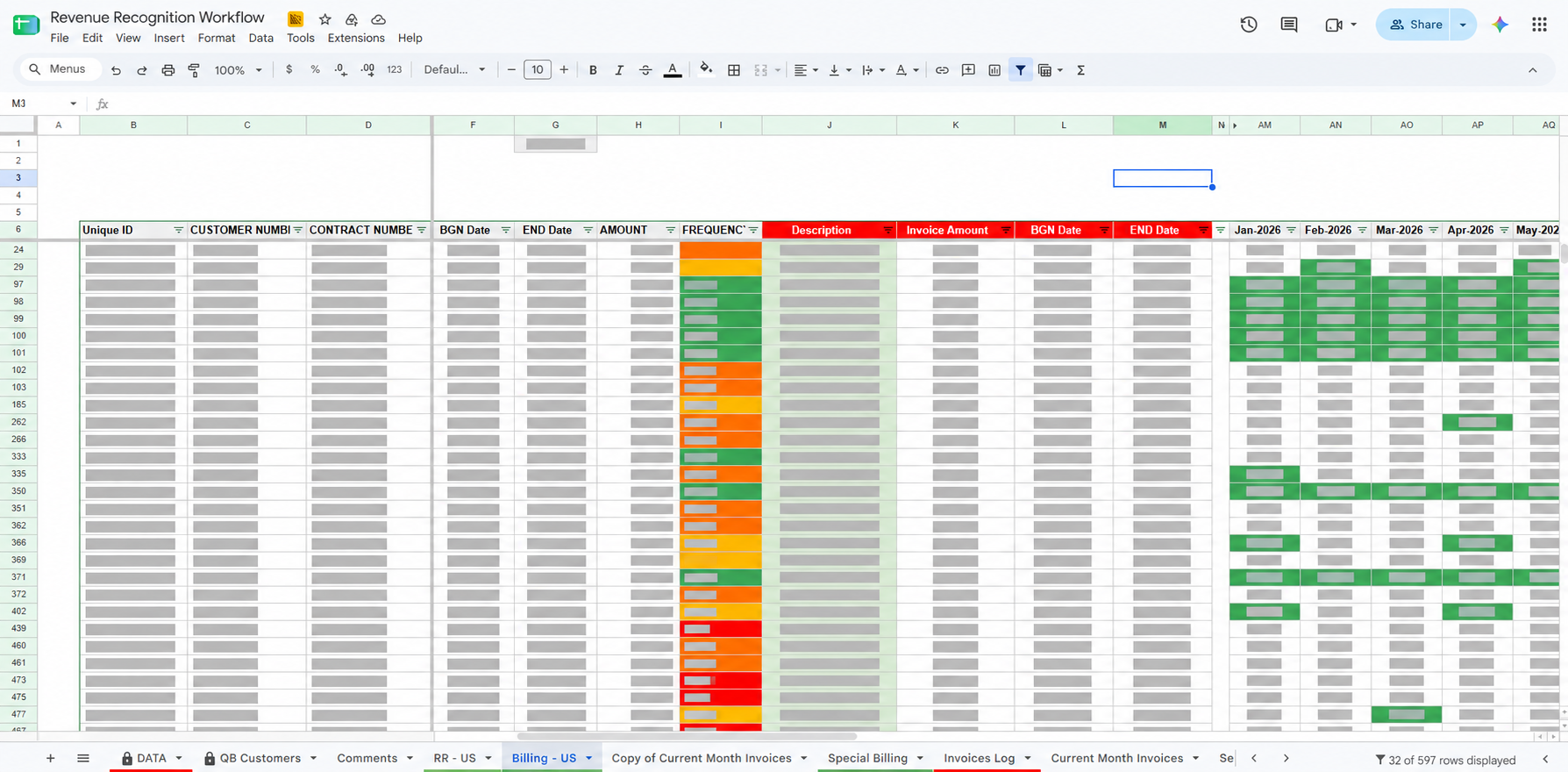 Redacted implementation screenshot
Overview
This implementation connected HubSpot customer data with QuickBooks Online invoice creation through an automated workflow built in Google Apps Script.
The focus
The work focused on connecting customer and invoice activity across systems while handling customer matching and API authentication.
The solution
The automation retrieves customer information from HubSpot, checks whether the customer exists in QuickBooks Online, creates a customer when needed, and generates invoices through the QuickBooks API. Google Sheets is used as part of the workflow.
Key features
- Retrieval of customer data from HubSpot
- QuickBooks Online customer matching
- Creation of missing QuickBooks customers
- Invoice generation through the QuickBooks API
- OAuth 2.0 authentication and Google Sheets workflow support
Workflow
- Retrieve customer information from HubSpot
- Match the customer in QuickBooks Online
- Create the customer when no existing record is found
- Generate the invoice through the QuickBooks API
Technologies used
Result
A connected implementation for customer matching, customer creation and invoice generation across HubSpot and QuickBooks Online.