Business automation
5 Business Processes You Can Automate Without Replacing Your Existing Software
Five practical places to reduce repetitive work, with clear triggers, human checkpoints and a sensible way to start.
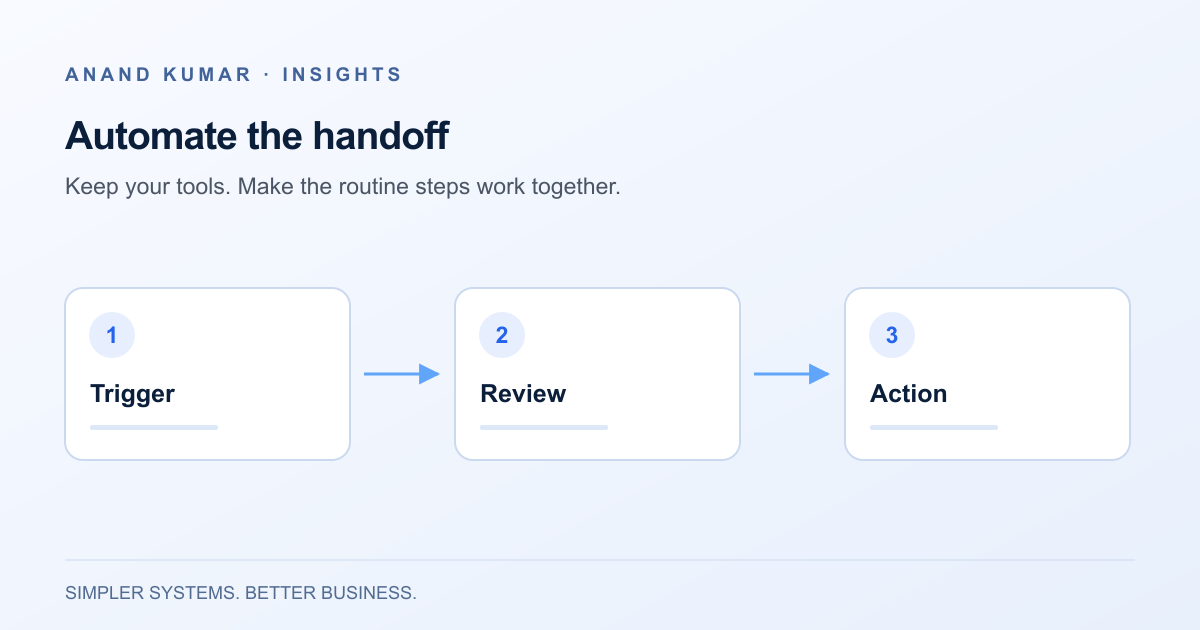
Replacing software is not always the best way to fix a slow process. Often, the tools do their individual jobs reasonably well. The friction sits between them: someone copies a record, checks an inbox, updates a spreadsheet, or reminds a colleague to take the next step.
Automation can help with these handoffs. It works best when the trigger is clear, the information is reliable, and someone owns the exceptions. It does not remove the need for judgment or turn an unclear process into a good one.
The examples below are hypothetical starting points, not accounts of completed client projects.
1. Route new enquiries to the right person
An enquiry arrives through a form or shared inbox. Someone reads it, copies the details into a customer relationship management system, and forwards it to the relevant team. If nobody is watching the inbox, the handoff waits.
A useful automation can create a record, assign an owner using a small set of rules, and create a follow-up task. For example, an enquiry about an existing order might go to operations, while a request for a new service goes to sales.
Keep the first version modest. Route records based on explicit fields, such as enquiry type or region. Send incomplete or ambiguous records to a review queue rather than guessing. Check whether the person already exists before creating another contact, and avoid copying attachments or sensitive information unless the receiving team needs them.
Human checkpoint: a person still decides whether the enquiry is a good fit and what response is appropriate. An acknowledgement is not a substitute for a considered reply.
2. Start a repeatable onboarding checklist
After an agreement is approved, a coordinator may create a project, prepare folders, request information and assign internal tasks. These are separate activities, but they often begin from the same event.
An automation can turn an approved onboarding record into a consistent checklist. It might create a project workspace, add internal preparation tasks and draft a welcome message for review. Store the source record’s identifier so that running the process twice does not create duplicate projects.
Do not use a loosely defined sales status as permission to grant access or send confidential documents. Confirm the actual start condition: signed agreement, internal approval, or another event your team already trusts. A change of scope should update the checklist deliberately rather than trigger a second onboarding process.
Human checkpoint: review permissions and external communications before they are applied or sent.
3. Prepare recurring reports
A weekly report may require exports from several tools, column cleanup and a series of copied formulas. Automating collection and preparation can leave more time for interpreting what changed.
Start with one report and define its reporting period, time zone, owner and source fields. Bring source data into a separate input area, apply repeatable transformations, and show when the data was last refreshed. Keep manual commentary separate so a refresh cannot overwrite it.
A failed import must not quietly become a zero in the report. Retain the last successful dataset, mark it as stale and alert the owner. Agree on what to do if a source is unavailable at the reporting deadline.
Human checkpoint: reconcile the report against the source and review unusual changes before distribution. If reporting needs are growing, consider when to move from spreadsheets to dashboards.
4. Collect and route internal approvals
An approval request often moves through email threads with missing details. Before automating it, standardize the request: what is being requested, why, who owns it and what the approver needs to decide.
The workflow can check that required fields exist, route the request to a named role, record its status and remind the right person when it is waiting. Make the current decision visible in one place so an old email does not become the accidental source of truth.
Separate reminders from decisions. A timeout can escalate a request, but should not imply approval unless that policy has been explicitly agreed. Material changes to the request should invalidate or reopen the previous approval.
Human checkpoint: the approver makes the decision. Automation records and routes it without manufacturing consent.
5. Follow up on missing information
Operations teams frequently chase a document, confirmation or completed form. A workflow can identify incomplete records and prepare a reminder containing only the information relevant to that recipient.
Define a stop condition before you define the reminder schedule. Once the item arrives, the record is closed, or someone takes over manually, reminders should stop. Decide how often a reminder is useful and when the issue should return to a person.
Avoid sending the same message from multiple systems. Give one workflow ownership of the follow-up and keep a record of messages already sent. For sensitive or relationship-dependent requests, drafting a message for review may be more appropriate than sending automatically.
Human checkpoint: someone handles disputes, unusual circumstances and requests that need a conversation.
Choose one process to start with
Look for a repeated task with a stable rule and a recoverable failure. Ask:
- What event starts the process, and can that event be identified reliably?
- Which system owns each piece of information?
- What happens if a record is incomplete, duplicated or changed later?
- Who receives failures, and how can they retry safely?
- What manual fallback will the team use if the automation stops?
Pilot a small, representative batch before enabling the full workflow. Record the steps people perform today and compare the new process against that baseline. Review exceptions as carefully as successful runs; they often reveal the real work hidden behind a simple-looking task.
The useful first automation is usually a narrow one that your team understands and can maintain. Explore business automation and integration services if you need help defining that first workflow.